 Shipvo
Learn
Learn Shipvo, one small step at a time.
You do not need to be a developer. These tutorials take you from nothing to an app on a simulated phone in your browser. Each one says how long it takes and who it is for, and every new word is explained once in the glossary.
Tutorials
Newest first. Tutorials are grouped by what you want to do: Start, Sell, Run your app, Test, Ship updates.
StartDescribe an app and watch it appear on a phoneYou will tell an AI assistant, in plain words, what small app you want. A few seconds later the app is on a simulated phone in your browser, with its own icon.Run your appSee your app on a phone in your browser with one commandYou will type one command and get a phone, Android or iPhone style, in a browser tab, running your app.StartTry Shipvo in your browser: tap a phone, test device features and watch an update roll backYou will open a shop app on an Android phone and an iPhone in your browser, tap through it, switch the phones to dark mode and large text, set a location and a…Run your appChange your app and watch the phone update as you saveYou will start a simulated phone, then change a product's name and price in a text file. When you save the file, the phone shows the change by itself.SellMake a shop app with your own products and pricesYou will create a shop app from the shop template, open it on a simulated phone in your web browser, replace the sample products with your own, add a product,…Run your appPlay chess on two phones, Android and iOS, in your browserYou will type three short commands and get two phones side by side in a browser tab: an Android phone that plays white and an iPhone-style phone that plays…TestHave Lumi test your app while you watchYou will run one command, ask Lumi to test your app, read what it found and watch one problem happen again. You need no AI account and you do not write code.SellGet your 12 testersNew personal Google Play accounts need at least 12 testers opted in to a closed test for 14 days in a row before you can apply for production.Ship updatesShip a fix to your customers' phones, a few at first, and undo it if it goes wrongYou will fix a wrong price in your shop and send the fix straight to your customers' phones, without a new app store release.StartCreate your first app and see it on a phone screenThis video, including its soundtrack, is shared under CC BY-SA 3.0.TestHave an AI assistant test your shop before every releaseYou will connect an assistant (Claude, ChatGPT-style tools, Cursor) to a shop app on your computer, ask it to shop like a customer, check a declined payment and…
Videos
Short, captioned, with a written transcript. All videos
 S1 · E1 · From a chat to an app
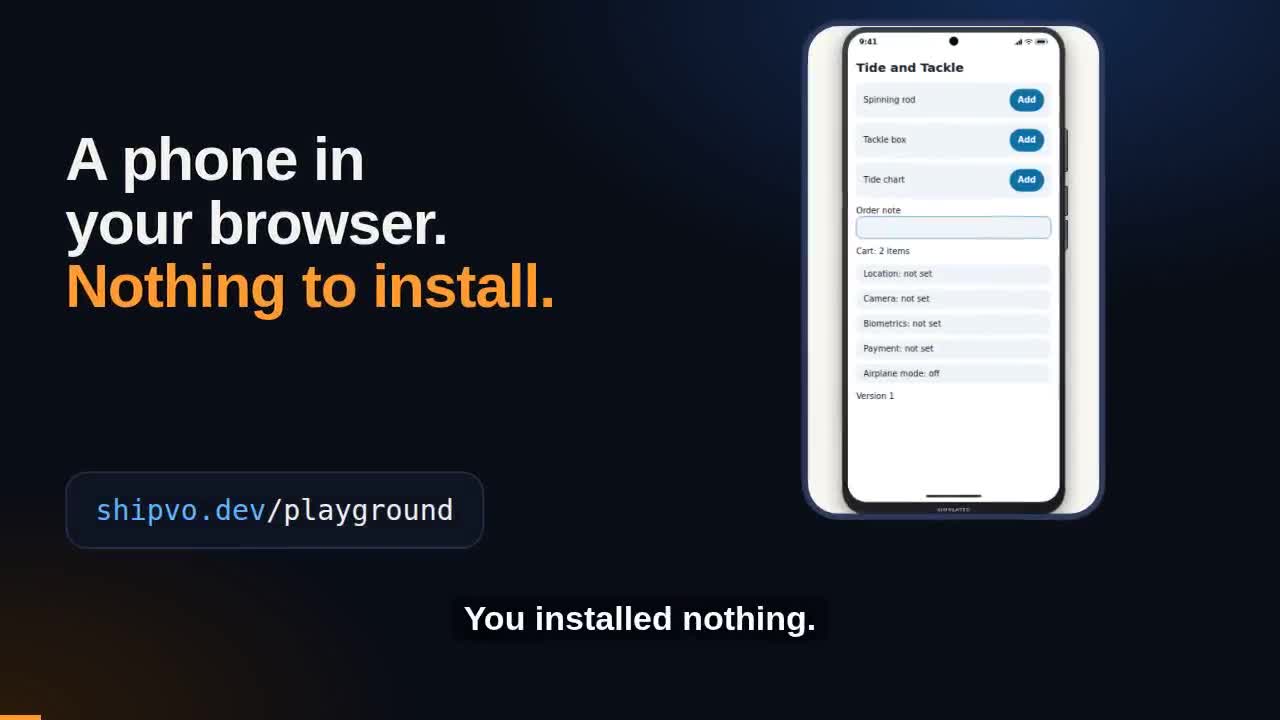 Try Shipvo in your browser: a phone, device features and a rollback
 Describe an app and watch it appear on a phone
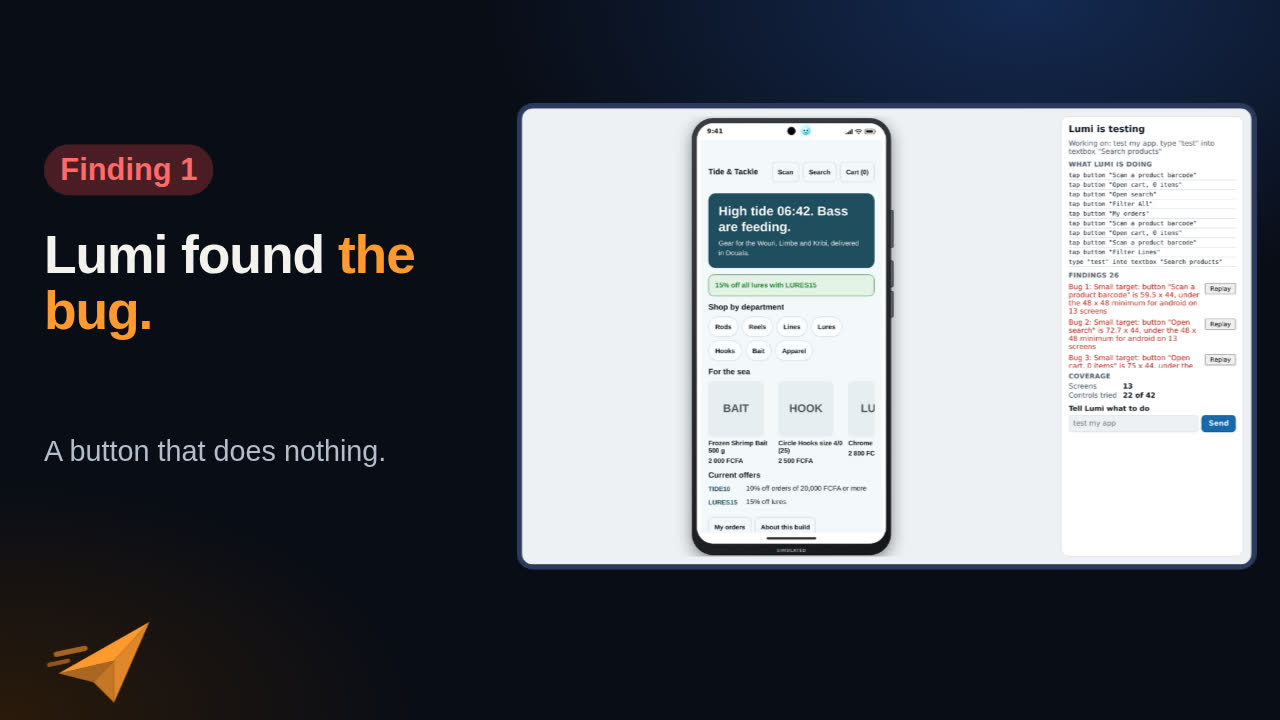 Have Lumi test your app while you watch
 From working app to Google Play and the App Store
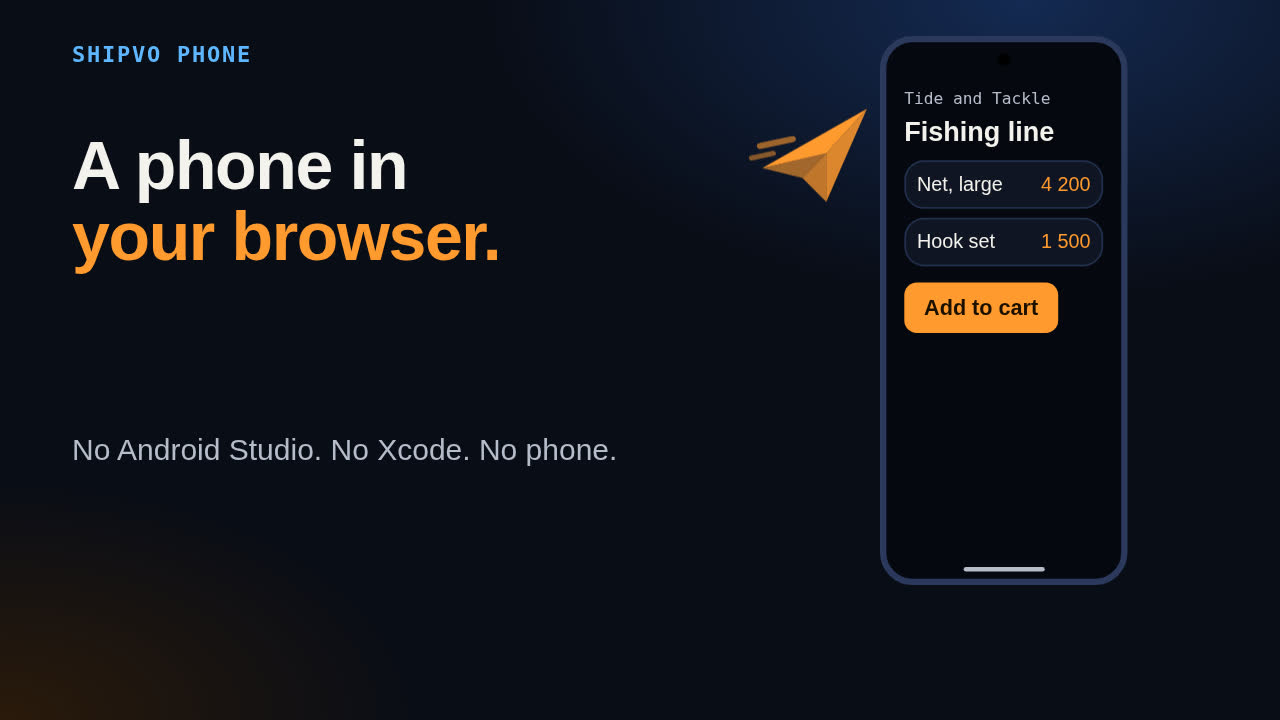 See your app on a phone in your browser with shipvo run
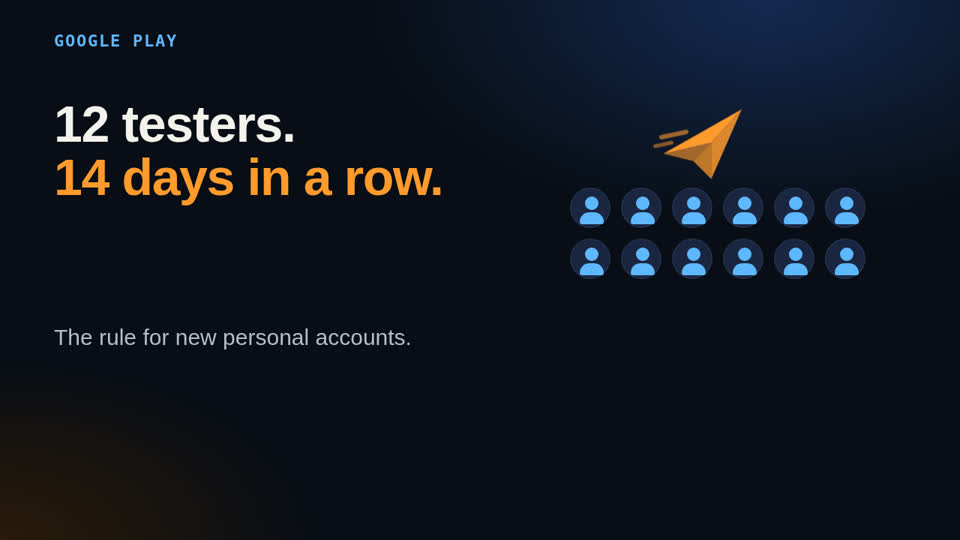 Get your 12 Google Play testers with Shipvo Testers
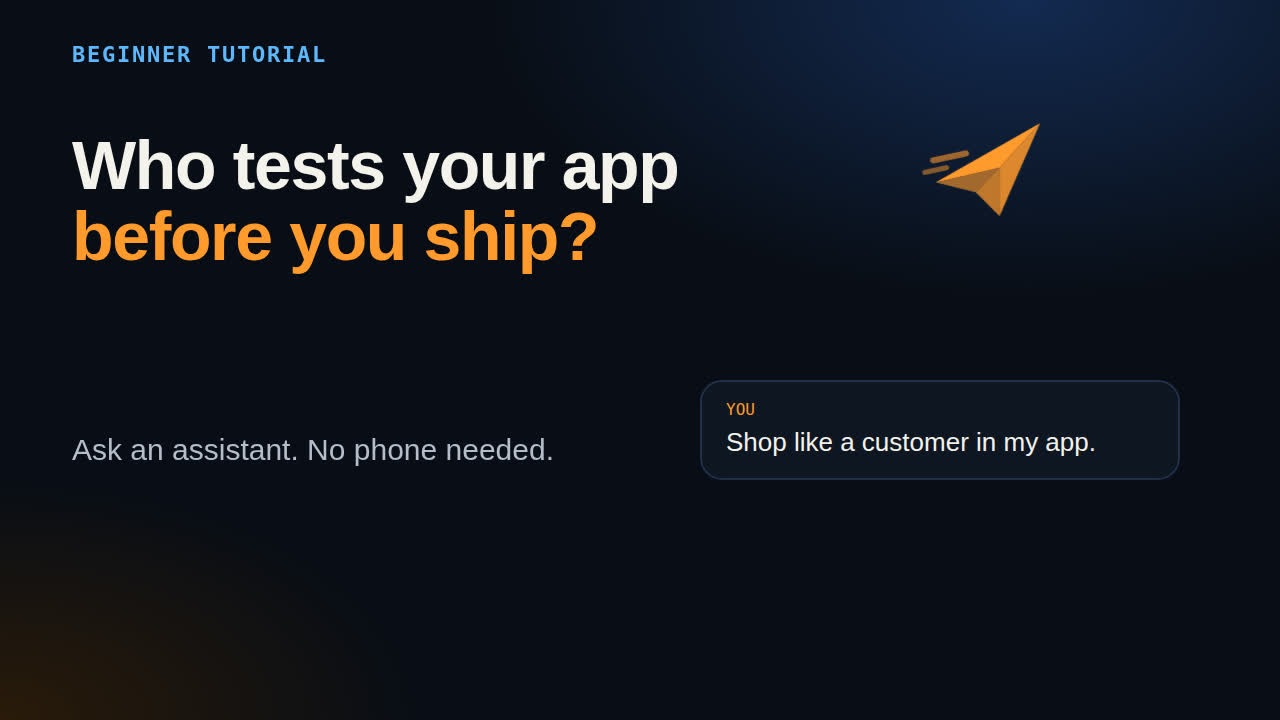 Have an AI assistant test your shop before every release
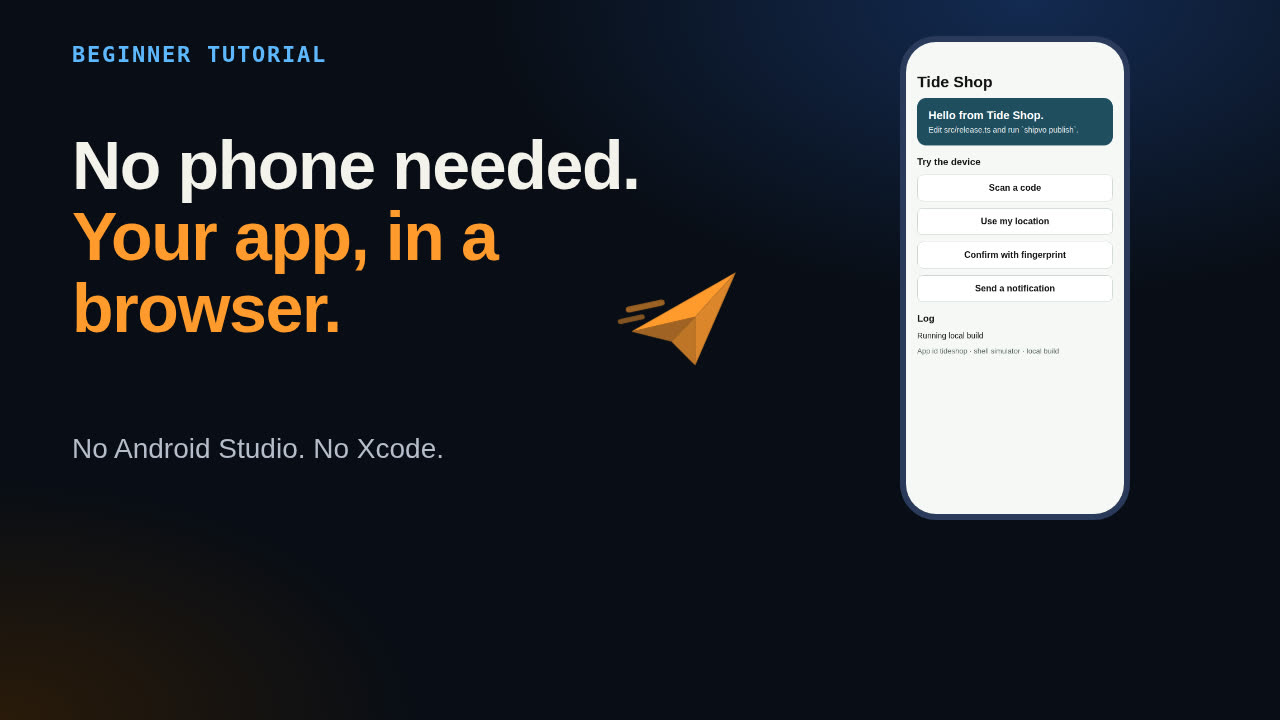 Create your first app on a simulated phone
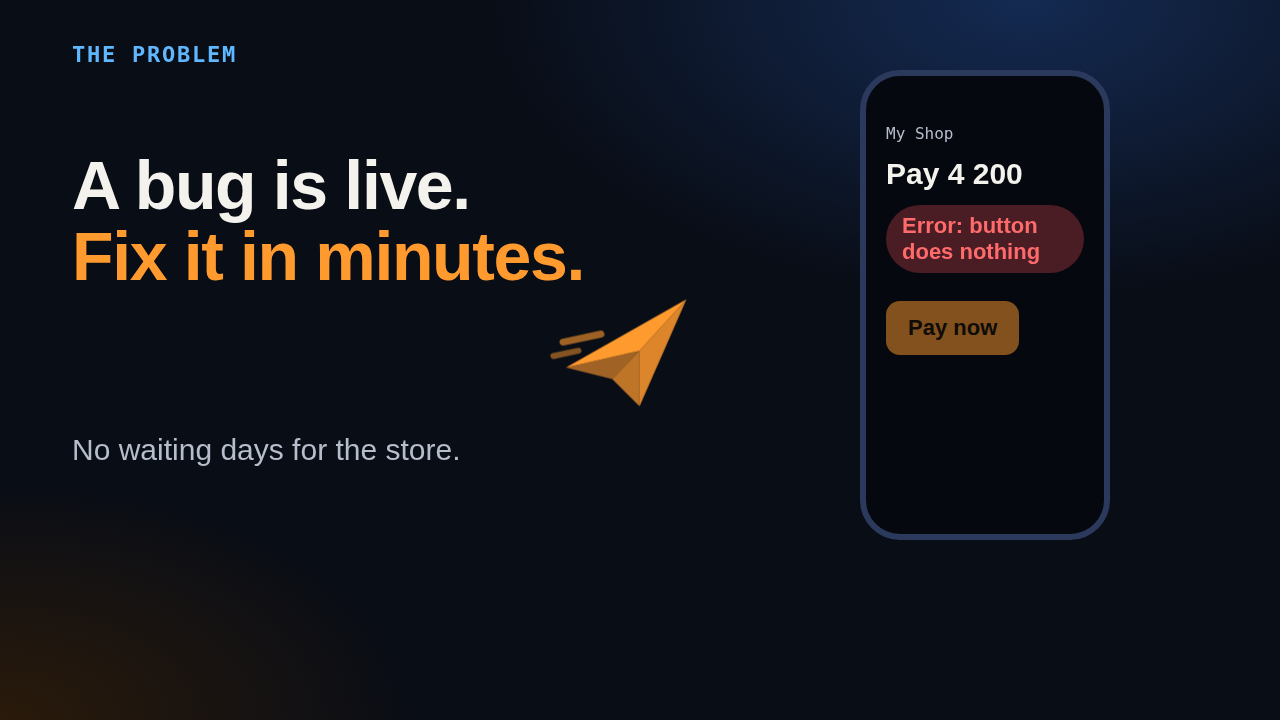 Ship an update to phones in minutes
Glossary
Stuck on a word? Open the glossary for plain-English meanings.
Set up with your agent
Let your coding agent do the setup. Three ways to install Shipvo for it.
Next: Docs
Ready for reference material? Go to the Docs, or start with Build your first app.